
Por qué bajaron tus clasificaciones locales después de actualizar la dirección del Perfil de Google Business
Get a quick blog summary with:


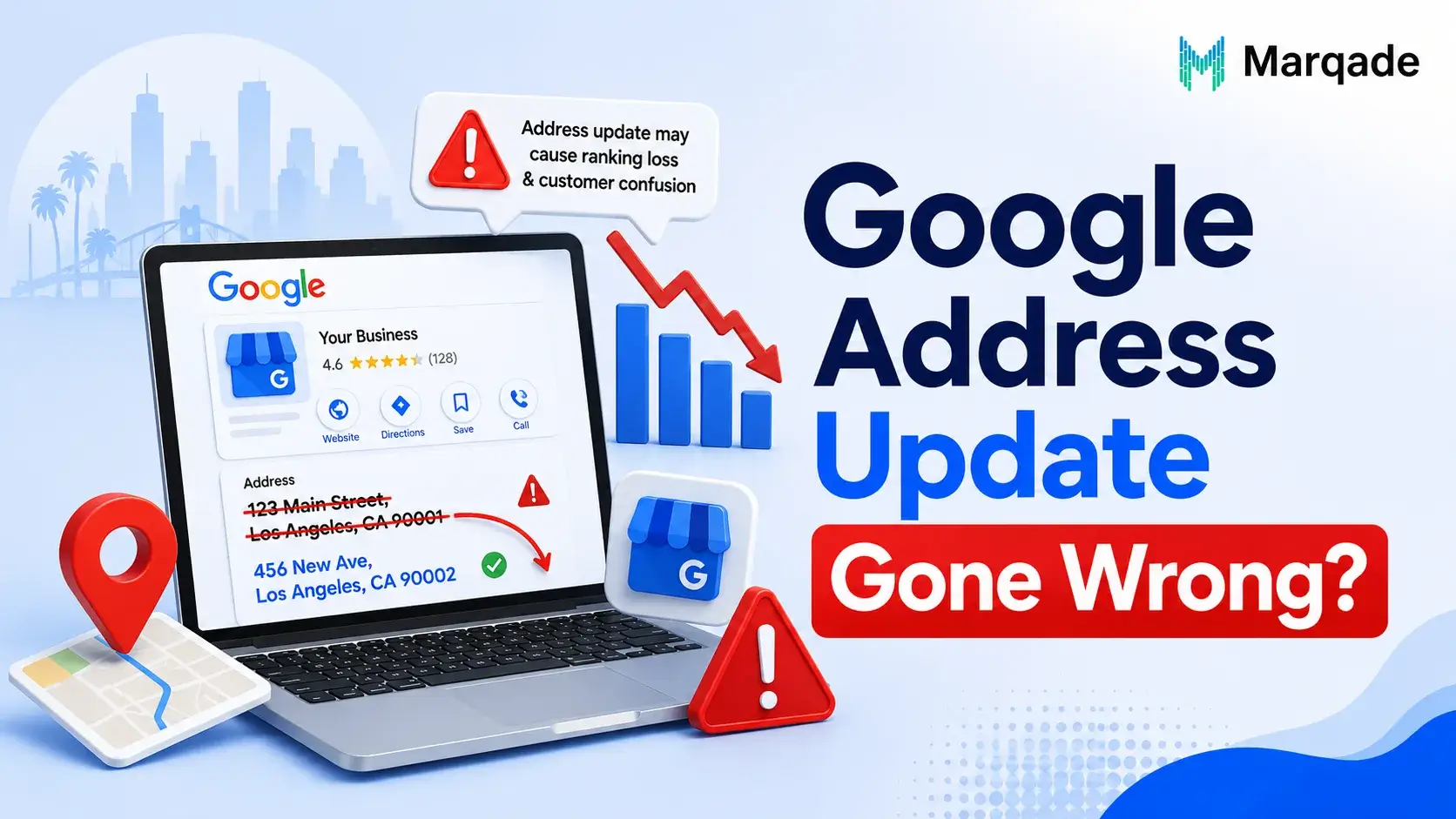
Few things are more annoying for a business owner than changing your Google Business Profile address and then finding out that your local rankings have gone away. One day your business appears in the Google Local Pack for searches like “plumber near me” or “best dentist in Chicago ” and the next day your calls, website traffic and customer questions start to go down.
If you recently changed your Google Business Profile address and saw a drop in rankings you are not alone. This is one of the common problems that local businesses face after moving, changing offices or fixing wrong address information.
The good news is that in cases the drop, in rankings is short-term—assuming the change was real and your local SEO setup is still solid. Googles systems usually take time to check the location rebuild trust signals and look at your business again in the new area.
In this comprehensive guide, you’ll learn:
- Why rankings drop after updating your business address
- How Google processes address changes
- Common mistakes that hurt local visibility
- Step-by-step recovery strategies
- Best practices before and after changing your address
- How long recovery typically takes
- Frequently asked questions about Google Business Profile address updates
If you have a law firm or a dental clinic or you do heating and air conditioning work or you own a restaurant or a real estate agency or any other small business in the United States this guide is for you. It will help you figure out what is going on with your business and how to get your rankings up. Local businesses, in the United States can use this guide to understand what happened to their rankings and how to regain them.
Understanding How Google Business Profile Rankings Work
Before we talk about why rankings drop we need to know how Google decides which local businesses to show first.
Google looks at a main things when it ranks local businesses.
It mainly looks at three things:
1. Relevance
Google determines how closely your business matches a user’s search intent.
This includes:
- Business category
- Servicios
- Products
- Business description
- Website content
- Keywords
2. Distance
The Distance is really important when it comes to search results.
Google looks at how your business is, from the person who is searching or from the place they are searching for.
The Distance is one of the things that Google uses to figure out which businesses to show first.
For example:
- “Coffee shop near me”
- “Electrician Dallas”
- “Roofing company Miami”
If your business moves across town or to another ZIP code, Google recalculates where you should appear.
3. Prominence
The prominence of your business is basically how much people can trust you and think you are an expert when they look at you online.
Google considers:
- Reviews
- Review quality
- Citations
- Local backlinks
- Website authority
- Brand mentions
- Business history
- Customer engagement
When your address changes, some of these signals temporarily weaken.
Don’t let an address change cost you customers. Get a professional local SEO audit today
Why Does Google Business Profile Address Changes Affect Rankings?
Updating your business address does more than just changing a dot on a map.
From Googles point of view your business location is one of the most important signs that people trust.
When it changes Google starts asking questions such, as:
- Is this business legitimate?
- Did it actually relocate?
- Is this a spam listing?
- Has ownership changed?
- Does the business still serve the same area?
Until Google confidently answers those questions, rankings often fluctuate.
10 Major Reasons Rankings Drop After Updating Your Address
1. Google Needs to Reverify the Business
Many address changes need verification.
Verification methods can include:
- Video verification
- Live video call
- Business documentation
- Postcard verification ( common today)
While verifying Google might temporarily reduce visibility.
2. Your Business Entered a New Geographic Market
Even moving five miles can have a big impact on rankings.
For example:
Old Address:
Downtown Austin
New Address:
North Austin
Although the city is the same Google now checks your business against a different set of competitors.
This usually causes changes, in rankings.
3. Citation Inconsistency
Google looks at your Business Profile. Compares it with lots of other places where your business is mentioned online.
Examples include:
- Yelp
- Apple Maps
- Bing Places
- Yellow Pages
- Better Business Bureau
- Industry directories
If your old address is still listed on Yelp and Apple Maps and Bing Places and Yellow Pages and Better Business Bureau and Facebook and Industry directories then Google gets confused.
This inconsistency is a problem because it weakens trust in your Business Profile.
4. Loss of Local Relevance
Your old address was probably close to the people who used your Google business.
After you move to a place Google may think your business is not as important for certain neighborhoods.
This will affect how your Google business ranks.
5. Local Competitors Have Stronger Signals
Your new area probably has businesses with some really good things going for them. They have:
- More reviews
- Better backlinks
- Longer history
- Stronger local citations
- Higher engagement
You are now competing against these competitors.
6. Temporary Indexing Delays
Google has to update a lot of things, like
- Maps
- Search
- Local Pack
- Mobile results
- Navigation systems
The thing is, this updating process does not happen away.
It can take several days or even weeks to get everything updated.
7. Incorrect Map Pin Placement
Google can put the marker in the spot after you update your address.
This is a deal.
Even if the marker is one block away, from where you really are it can hurt your rankings.
You should always check a things to make sure everything is correct.
Here are the things you need to verify:
- Pin placement
- Building entrance
- Suite number
- Business signage
8. Address Formatting Errors
We often see mistakes like these:
- Missing suite numbers
- Wrong ZIP code
- Incorrect abbreviations
- Apartment instead of Suite
- Typographical errors
Even small mistakes in address formatting can cause problems with location data like creating duplicates.
9. Duplicate Business Listings
Address updates sometimes trigger duplicate profiles.
Examples:
Old listing:
123 Main Street
New listing:
123 Main St.
Google may think these are two different businesses.
This can be a problem because Duplicate Business Listings can split things like
- Reviews of the business
- The authority of the business
- Ranking signals that help the business show up in search results
10. Website Location Signals No Longer Match
A lot of businesses forget to update their websites.
Important pages that need to be updated include:
- Contact page
- Footer
- Location pages
- Schema markup
- Embedded Google Map
- Service area pages
Recover lost traffic and leads faster with our proven Google Business Profile optimization services
How Long Does Recovery Take?
Recovery depends on several factors.
Typical timelines:
Minor address correction
- 3–14 days
Move within the same city
- 2–6 weeks
Move to another city
- 1–3 months
State relocation
- 2–6 months
Businesses with strong SEO often recover faster.
What Happens Behind the Scenes After an Address Update?
Google’s systems perform multiple checks.
These include:
Identity Verification
Google confirms the business still exists.
Address Validation
The address is matched against postal databases and Maps.
Citation Comparison
Google compares your information across the web.
Spam Detection
Google ensures the address isn’t:
- Virtual office
- P.O. Box
- Fake location
- Shared workspace used solely for ranking manipulation
Ranking Recalculation
Google rebuilds local authority signals based on the new location.
How to Recover Your Rankings Faster
Step 1: Verify Your Business Completely
Complete every verification request promptly.
Incomplete verification often limits visibility.
Step 2: Update Every Citation
Consistency is critical.
Update your address everywhere your business is listed.
Priority platforms include:
- Perfil de empresa de Google
- Apple Maps
- Bing Places
- Yelp
- Better Business Bureau
- Industry-specific directories
- Chamber of Commerce listings
Step 3: Update Your Website Immediately
Update:
- Contact page
- Footer
- Header
- Schema
- Páginas de servicios
- Location pages
- XML sitemap (if location URLs changed)
Step 4: Update LocalBusiness Schema
Ensure your structured data includes:
- Business name
- New address
- ZIP code
- City
- State
- Phone number
- Opening hours
- Geo coordinates (if applicable)
Structured data helps search engines understand your updated business information.
Step 5: Embed the Correct Google Map
Your contact page should feature an embedded map pointing to the new address.
This reinforces location consistency.
Step 6: Earn New Local Backlinks
After relocating, obtain backlinks from organizations and websites connected to your new community.
Examples include:
- Local newspapers
- Business associations
- Chambers of Commerce
- Community organizations
- Local blogs
- Sponsorship pages
- Event websites
Step 7: Encourage New Reviews
Reviews mentioning the new location can strengthen local relevance.
Examples:
- “Great dentist in North Dallas.”
- “Excellent HVAC service near Phoenix.”
- “Convenient new office.”
Never ask customers to include keywords unnaturally. Authentic reviews are more valuable and comply with Google’s policies.
Step 8: Maintain Accurate Business Information
Ensure consistency across every platform for your:
- Business name
- Dirección
- Phone number (NAP)
- Website URL
- Hours
- Categories
Common Mistakes Businesses Make
Updating the Address Without Updating the Website
Google expects consistency.
An outdated website creates confusion.
Forgetting Citations
Hundreds of outdated citations reduce trust.
Creating a New Business Profile
Never create a new Google Business Profile simply because you moved.
Doing so can cause:
- Lost reviews
- Lost ranking history
- Duplicate listings
- Verification issues
Update the existing profile whenever appropriate.
Changing Multiple Things at Once
Avoid changing simultaneously:
- Business name
- Dirección
- Phone number
- Website
- Categories
Too many changes at once can trigger additional review or verification.
Ignoring Google Verification Requests
Respond quickly.
Delayed verification often delays ranking recovery.
Boost your local presence after an address update. Partner with our SEO team for lasting results
Best Practices Before Changing Your Address
If you’re planning a move:
Prepare First
Create a checklist.
Update:
- Website
- Social media
- Directory listings
- Email signatures
- Marketing materials
Document Your Existing Rankings
Track:
- Local Pack positions
- Organic rankings
- Calls
- Website traffic
- Direction requests
This helps measure recovery.
Notify Customers
Announce your new location through:
- Email newsletters
- Social media
- Blog posts
- Google Business Profile updates
This improves engagement and reduces confusion.
Can You Lose Reviews After an Address Change?
In most legitimate moves, no.
Reviews generally remain attached to the existing Business Profile.
However, if you accidentally create a new profile instead of updating the current one, you may lose the association with your existing reviews until Google resolves the issue.
Should You Change Your Service Area Too?
If you are a service-area business (such as a plumber, electrician, or cleaning company), update your service areas if they have genuinely changed.
Avoid adding dozens of distant cities you do not serve. Service areas do not replace the need for a real, eligible business location where required, and overstating coverage can create inaccurate signals.
How Local SEO Supports Recovery
A strong local SEO strategy can help restore visibility over time.
Key areas include:
High-Quality Local Content
Publish location-specific content that answers customer questions and demonstrates expertise.
Strong Internal Linking
Connect service pages, location pages, and blog posts logically.
Consistent NAP Information
Your Name, Address, and Phone Number should be identical wherever your business appears.
Mobile-Friendly Website
Most local searches occur on mobile devices.
Ensure your website is:
- Fast
- Responsive
- Easy to navigate
Reputation Management
Continue collecting authentic customer reviews and responding professionally to feedback.
Final Thoughts
Updating your Google Business Profile address is sometimes unavoidable when your business grows, relocates, or corrects inaccurate information. While it can lead to temporary ranking declines, understanding Google’s local ranking systems—and taking proactive steps to maintain consistent business information—can significantly speed recovery.
The most successful businesses treat an address update as a complete local SEO project, not just a single profile edit. By verifying your profile, updating every citation, aligning your website with your new location, earning fresh local backlinks, and continuing to provide an excellent customer experience, you can rebuild Google’s confidence in your business and regain lost visibility.
Remember that local SEO is built on trust and consistency. A legitimate address change, supported by accurate information across the web, typically recovers over time. Patience, careful monitoring, and ongoing optimization are the keys to restoring—and potentially improving—your local search rankings after a move.
FAQs (Frequently Asked Questions)
No siempre. Las correcciones menores pueden tener poco impacto, mientras que los traslados más grandes a menudo causan fluctuaciones temporales a medida que Google reevalúa su negocio.
Cierto movimiento es normal durante varias semanas. Si las clasificaciones continúan bajando después de seis a ocho semanas a pesar de una información coherente y un perfil verificado, realice una auditoría completa de SEO local para identificar otros problemas.
Los cambios frecuentes de dirección pueden activar una verificación adicional y reducir la confianza. Actualice su dirección únicamente cuando refleje un traslado o corrección comercial genuinos.
Puede hacerlo. Si las páginas de ubicación, la relevancia local o la consistencia de las citas cambian, tanto las clasificaciones de Google Maps como las de la búsqueda orgánica tradicional pueden fluctuar.
No los elimine simplemente. Actualícelos con su nueva dirección siempre que sea posible, o solicite correcciones al propietario del directorio. Eliminar los listados sin reemplazarlos puede reducir su presencia en línea.

Patt Cummins is a technology and digital marketing writer specializing in SEO, content marketing, SaaS, blockchain, and emerging technologies. With a talent for simplifying complex topics, Patt creates informative, research-driven content that helps businesses improve online visibility, engage audiences, and stay ahead in today's fast-evolving digital landscape.
Get Your Free SEO Plan






 English
  Spanish
  French
  Dutch
Dutch